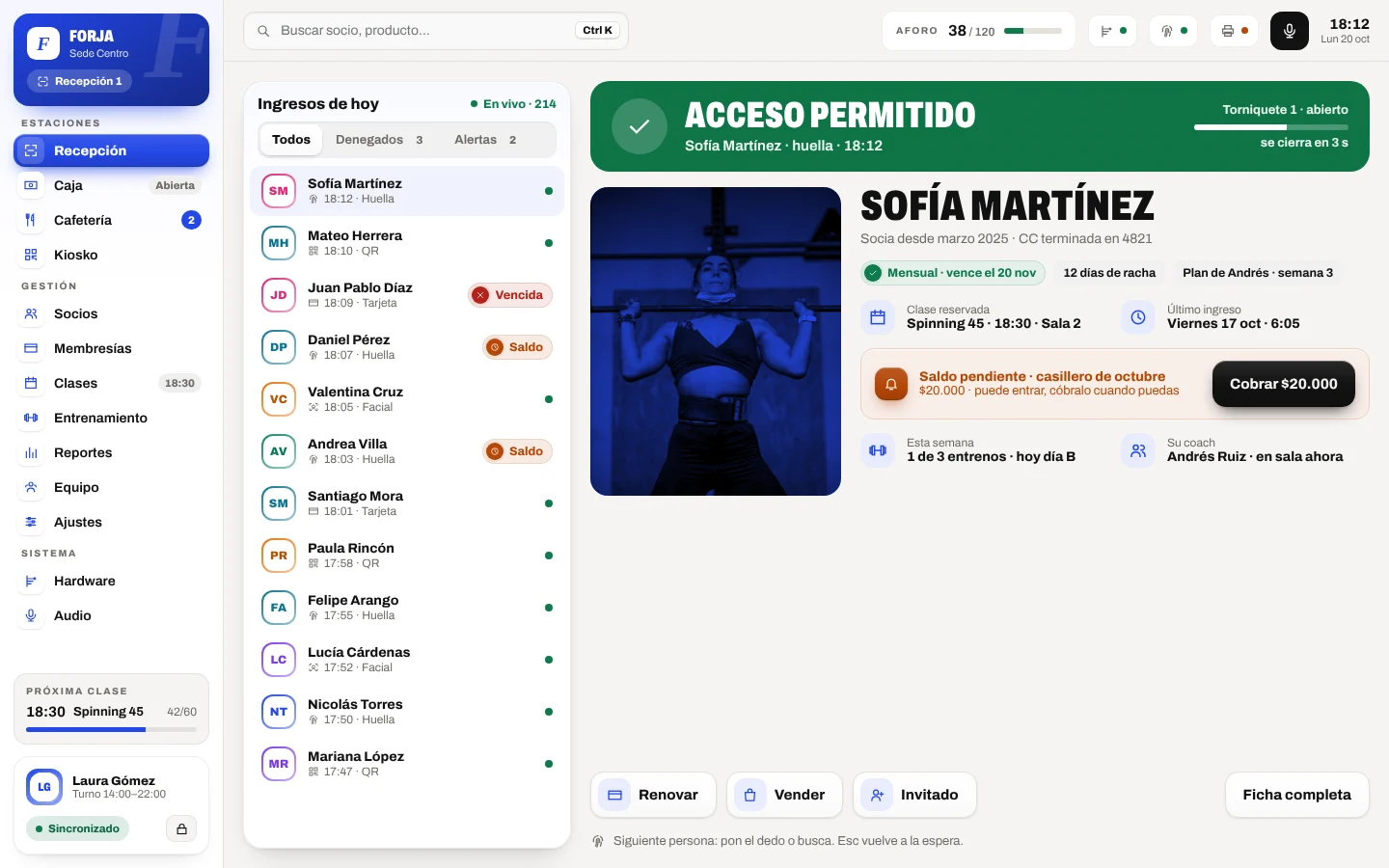
Gymo for desktop
The front desk app: access, cash and café on the gym's PC, with turnstiles, reader and printer connected.
The download isn't available right now. Write to us and we'll send you the installer.
Write to support · [email protected]How to install it
- 01
Download the installer and open it. If Windows shows “Windows protected your PC”, tap “More info” and then “Run anyway”. On a Mac, open the file and drag Gymo to Applications.
- 02
Log in with your Gymo account, the same one as on the web.
- 03
Pair the PC with its site in Settings › Terminal. From then on the front desk opens a shift with their PIN.
Another device? Everything but the hardware works on the web. Open app.gymo.fit